
Every other thread right now is telling you the same thing: prompt engineering is dead, the future is loop engineering, and the builders who win are the ones running AI agent loops in the background. It sounds like the next chapter. For most people it is just a way to make your computer more expensive.
The people selling you that upgrade usually have a reason to be up there. They ship AI products, they run teams, they spend on a company card, or they work somewhere every extra 1% of automation converts straight into money. Copying their level of autonomy does not copy their ROI. It copies their bill. I know, because I ran up API bills I am not proud of learning this.
So here is a better ladder: prompt, skill, scheduled skill, loop, in that order. Most people are trying to jump to step four. Step four looks impressive. Step two is where the money is. By the end of this you'll know what a loop actually is, why it leaks tokens on every pass, the six tests a task has to pass before it earns one, and what to build this week instead.
What you'll get out of this
- A working definition of a loop — trigger, action, evaluation, memory, decision — and why "run it again" isn't one
- Where the tokens actually go on every iteration, and the one economic test that decides if a loop is worth it
- The digestibility rule: if you can't read the output at that cadence, don't schedule it
- Two real bounded skills, including the one I built to hand off work between Codex, Claude and ChatGPT
- Six pass/fail questions to run before you give any workflow autonomy
What an AI agent loop actually is
A loop is not "run the AI again." A real loop has four moving parts and one decision. Something triggers it. The model takes an action. The system evaluates the result. It writes something to memory or state. Then it decides whether to go again.
That last decision is where almost every hobby agent falls apart, because nobody defines it. When does it stop? How many retries? How much money is too much? What counts as success? A loop without a stop condition is not intelligent. It is a process with a credit card.
The moment your AI can keep acting without you, "this looks futuristic" stops being a good enough reason to run it. You need boundaries, validation, cost control, a clear list of what the machine is allowed to touch, and — the part people skip — some way to tell whether the output is usable at all.
Why AI agent loops burn tokens you never see
Here's the part the diagrams leave out. A single iteration is not one model call, it's at least two: the action, then the evaluation of the action. Both pay for the full context. And because the loop writes state to memory so the next pass is "smarter," iteration five carries more context than iteration one. The cost curve bends upward exactly when the loop is struggling, because struggling is what makes it retry.
Which gives you the only cost test that matters. If a loop saves you $500 of work and spends $5 of tokens, build it today. If it saves three minutes and spends forty minutes thinking, you have invented a very expensive intern with no legs.
Before you optimise anything else, get the shape of the work right — I went through the exercise of making an agent 35x more efficient, and almost all of the win came from cutting work that never needed to happen, not from a cleverer model.
The digestibility problem nobody talks about
Cost is the obvious failure. This one is sneakier. If you have ever set up an automation, a cron job or a routine in a tool that runs on a schedule, you know the arc. At first it feels incredible: every morning a report, every day a competitor scan, every Friday a summary of everything.
The output you never read
Two weeks later you have a pile of automated output you never read. Reports you don't act on. Summaries you don't open. Suggestions you don't have time to judge. You have built a machine that generates homework for you.
That is not leverage. That is an inbox with better branding. If the machine feeds you faster than you can digest, it isn't saving your time, it's converting tokens into guilt.
So before you build a loop, ask the boring question: can I actually use this output at this cadence? If the answer is no, stop. The fix is a slower cadence or a tighter scope, not a smarter agent. This is the same discipline that keeps a second brain built in Claude Code useful instead of turning it into a landfill with search.
The four-level ladder: prompt, skill, schedule, loop
Every level is legitimate. The mistake is the order people attempt them in.
Level 1, the prompt. You use this while you're still exploring — ideas, explanations, drafts, options. Prompts are good because they're flexible and bad because it's so easy to keep re-typing them by hand forever.
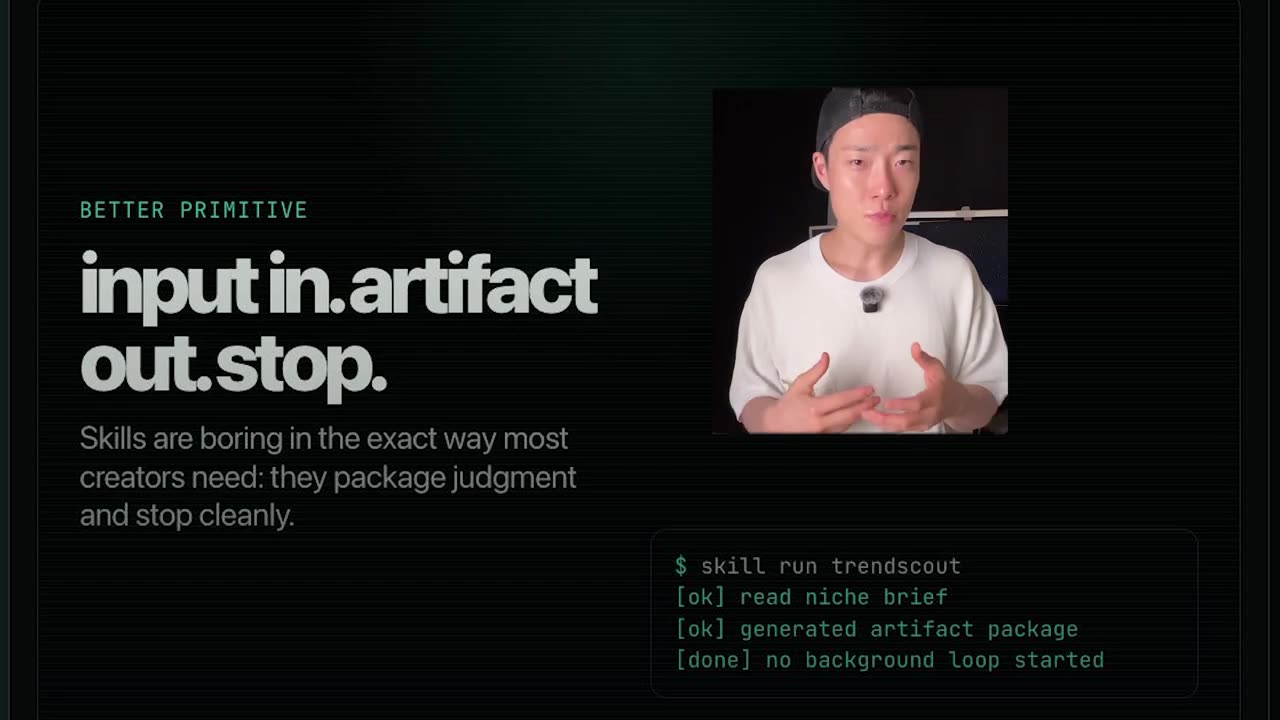
Level 2, the skill. A reusable workflow with instructions, context and expected outputs. It can read files and call tools, but it doesn't wander. You call it, it does the job, it returns something useful, it stops. This is the sweet spot for almost everyone reading this.
Adding a clock, then a grader
Level 3, the scheduled skill. Same workflow, now running every morning, every Monday, or on a file change. Useful only if you can digest the output. If you can't, scheduling turns a good skill into automated noise.
Level 4, the loop. Now the system grades its own work and decides whether to continue. Real power lives here. So do the costs and the failure modes. The problem is that the internet keeps selling level 4 to people who haven't built level 2 — like watching Formula 1 and deciding your car mechanic needs a pit crew.
What a bounded skill looks like in practice
Take a real creator workflow. You want to know what's working in your niche: recent competitor uploads, title patterns, thumbnail ideas, which videos are moving faster than usual.
The overbuilt version is obvious. An agent that watches YouTube all day, scans every new upload, compares thumbnails, writes strategy, writes scripts, tells you what to make next. It sounds incredible right up until the 47-recommendation Tuesday.
The bounded version runs when you sit down to pick a video idea.
- It looks at the last rolling week.
- It estimates direction of velocity rather than pretending public view counts are private analytics.
- It collects titles and thumbnails, packages the evidence into a gallery and contact sheets a model can actually look at, drafts a thumbnail prompt — and then it stops.
Input goes in, research happens, organised artifacts come out in a format you can scan in two minutes.

You still decide. You still keep the taste, the angle and the format. The AI gives you leverage without pretending to be your whole creative brain. Boring? Yes. Beautifully boring. The same shape works anywhere the manual version hurts — it's exactly how I handed my video editing to Claude Code and how I gave Claude Code the ability to watch a video: one job, real files at the end, no wandering.
Why a confirmation prompt beats autonomy
Second example, more personal. I work in Claude Code and Codex and switch between them constantly. I kept wanting to push the useful part of a session into a chat window so I could keep going later. The manual version is copy-paste: finish the session, forget what mattered, paste too much or too little, compact the context and lose the thread.
So I built a skill for it. One job: create a compact work log and send it.
# the entire payload the sync skill sends
goal       what I sat down to do
result     what actually happened
artifacts  files, paths, links worth keeping
next       the one thing to pick up tomorrow

# never included: secrets, raw logs, hidden
# instructions, unrelated chatter
It works out whether the destination is ChatGPT or Claude, reuses an existing browser tab instead of opening a graveyard of new ones, checks for duplicates, and then — before it sends anything — asks me to confirm.
That confirmation is not friction. It's the safety lock. The moment automation starts transmitting information somewhere else, I don't want vibes. I want a clear message, a clear destination and a clear yes.
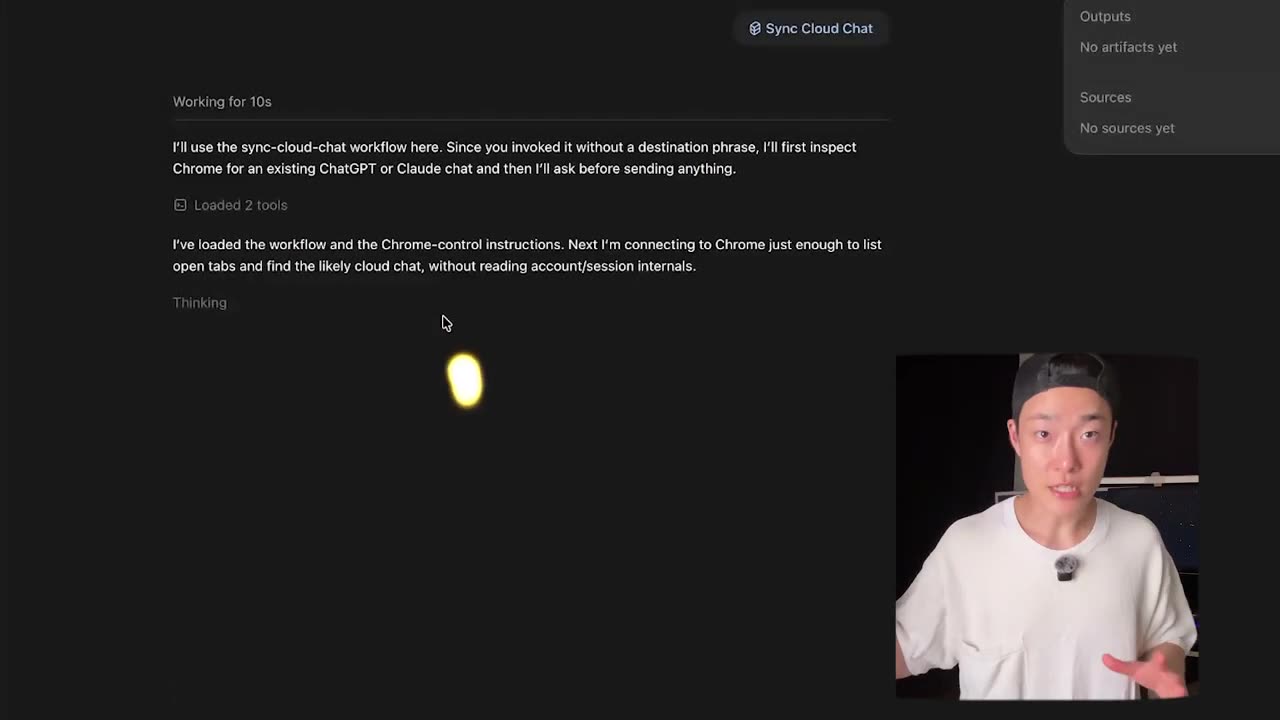
A loop says "don't worry, I'll keep syncing." A skill says "here's the exact message, here's the exact destination, should I send this one thing?"
Six tests a task has to pass before it earns a loop
Loops are not useless. They're excellent when the task has earned them: support queues, QA checks, sales follow-ups, code tests, monitoring, recurring operations with clear success criteria. Run the candidate through all six.
-
Does it repeat often enough?
If you do it once a month, don't build a machine around it. The build cost and the maintenance cost both outlive the savings.
-
Is success measurable?
"Make it better" is not a loop objective. "Tests pass," "find the broken link," "classify every inbox item into this schema" are objectives a machine can check without you.
-
Can it learn from failure signals inside the task?
If the error message, the failing test or the schema mismatch tells the system what went wrong, a loop makes sense. If success is "I'll know it when I see it," keep a human in the chair.
-
Is failure bounded?
Max attempts, max cost, max permissions, explicit stop condition. If you can't name all four, you're not building a loop, you're releasing one.
-
Can you digest the output?
This is the one to remember. If the automation hands you more than you can review, that isn't productivity, it's automated clutter with a subscription fee.
-
Is the value higher than the cost?
Saves $500 of work, spends $5 of tokens: obvious yes. Saves three minutes, spends forty minutes thinking: obvious no.
So: do you need a loop, or a better skill?
Run the build order in the sequence it was meant to go. Do it manually with a prompt first. When you notice you're re-typing the same instructions, turn it into a skill. When the skill is good and you need it at a known time, schedule it. When the output can be evaluated and improved without you in the room, build the loop.
That order matters because skipping to loops skips the part where you learn what good looks like. And if you don't know what good looks like, your evaluator doesn't either — so the loop just produces more of the wrong thing, faster, at scale. The nightmare version of automation isn't AI taking your job. It's AI running your bad process a hundred times before lunch.
The honest next step
Loop engineering is real and it's here. It's also being recommended about two levels too early. If you've built fewer than twenty or thirty skills, the honest next step is a better skill: one that saves repeated instructions, produces artifacts, makes the next move obvious, and stops. Build the research skill before the content agent. Build the handoff skill before the background memory loop. Build the small thing you'll actually use before the impressive thing you can't digest.
Your workflow has to earn its autonomy. Before you launch another agent, ask the one question: do I need a loop, or do I just need a better skill? If the answer is skill, that's not a downgrade. That's maturity. There's more of this thinking in the rest of what I build in public.
See the two skills that replaced my loops
The video walks through the bounded research skill and the Codex-to-chat handoff skill end to end, including the confirmation step and the artifacts each one leaves behind. If you're deciding what to build this week, that's the ten minutes to spend.
Frequently asked questions
What is an AI agent loop?
A loop is not just running the model again. A real loop has four parts: a trigger that starts it, an action the model takes, an evaluation that checks the work, and memory or state it writes before deciding whether to go again. Drop the evaluation or the stop condition and what you have left is an expensive random number generator.
When should I use an AI agent loop instead of a skill?
When the task repeats often, success is measurable in a way a machine can check, failure is bounded by a max number of retries, a max spend and a max set of permissions, and the value clearly beats the token cost. If any of those is missing, a skill you call by hand does the same work with a fraction of the risk.
Why do AI agents cost so much to run?
Every iteration re-pays for the whole context. The action is one model call, the evaluation is a second one, and the memory it writes makes the next pass longer than the last. A failing loop is the expensive case, because failure is exactly what makes it retry. Without a spend cap, nothing in that cycle ever says stop.
What is the difference between a skill and an agent?
A skill is a reusable workflow with instructions, context and expected outputs. It can read files and call tools, but it does one bounded job and then stops. An agent keeps deciding what to do next. The stopping is the feature: you stay in the chair, you keep the taste, and you make the final call on the output.
Should I schedule my AI skill to run every day?
Only if you can digest the output at that cadence. A daily report you never open is not leverage, it is an inbox with better branding. Schedule it when you act on the result most times it arrives. If two weeks of runs are sitting unread, the fix is a slower cadence, not a smarter agent.